Adobe's Premiere Pro Agent and Your Editing Workflow
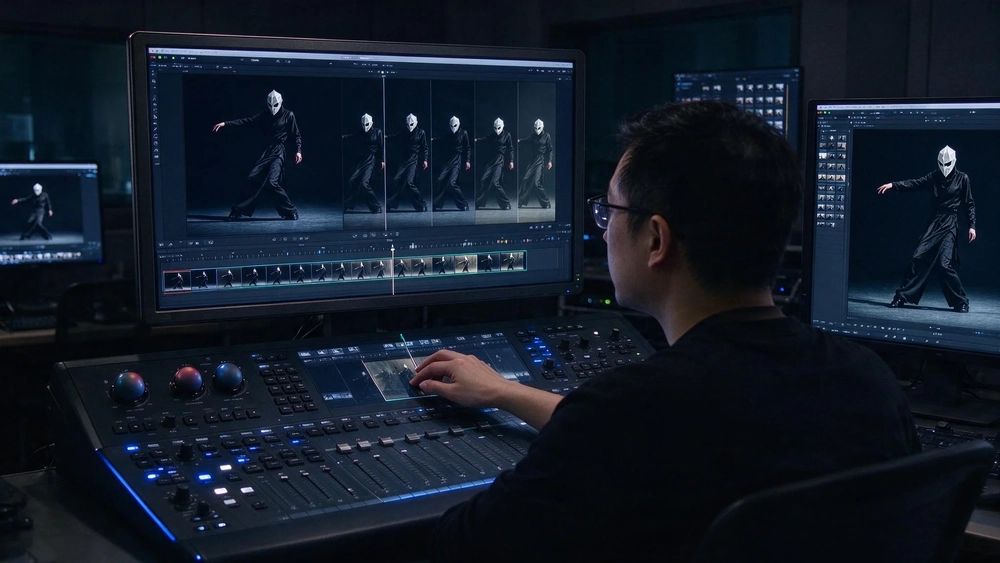
As of November 2026, an editing agent is ready to take the rule-based parts of video work (effects applied across a whole sequence, masked subjects tracked shot to shot, colour and exposure balanced in one pass), while the judgement calls stay with a person. Adobe showed exactly this in a demo ahead of Adobe Max 2026, and it is the same question any ai automation for business plan has to answer: which step goes to the agent, and which step a human signs off.
Key takeaways
- Adobe's Creative Agent was demonstrated before Adobe Max 2026 applying effects across every clip in a sequence, tracking masked subjects through frames and adjusting colour and exposure across an entire sequence.
- The agent also arrives in Premiere Mobile as a private beta, where it can turn footage into editable first cuts and take natural-language changes.
- Adobe is opening the app to third-party models such as Kling and Seedance 2.5, which changes the review question from "did the tool do it right" to "which model did it and is that acceptable".
- Reports on small-business automation put time savings on specific repetitive tasks as high as 95 per cent, which is the size of both the prize and the exposure.
- The practical test of any such hand-over is a written list of review points, not the demo.
What Adobe showed, and what it did not
The report is a hands-on account of a pre-Max demo rather than a shipped product. The writer watched the Creative Agent apply effects across every clip in a sequence, track masked subjects through frames, and adjust colour and exposure across an entire sequence at once. Those three operations share a property that matters when you plan a workflow: each one has an obvious definition of correct. A mask either follows the subject or it does not. A shot either matches the grade of its neighbours or it drifts. Effects applied to all clips can be checked by scrubbing.
The Generative Media Tool described alongside it goes further: an editor selects a range on the timeline, describes the video, sound effect, soundscape or music needed, and the generated material lands as an editable clip. Generative Remove, still in beta, deletes objects from a frame and fills the space, including where shadows of the removed object should go.
What the report does not establish is release timing, price, or the failure rate of any of these operations in a real project. A demo is a controlled sequence of shots chosen to show a capability. The report's own framing is the fair one: the real test is how much of the process editors are comfortable handing over.
Why the review point moves when third-party models arrive
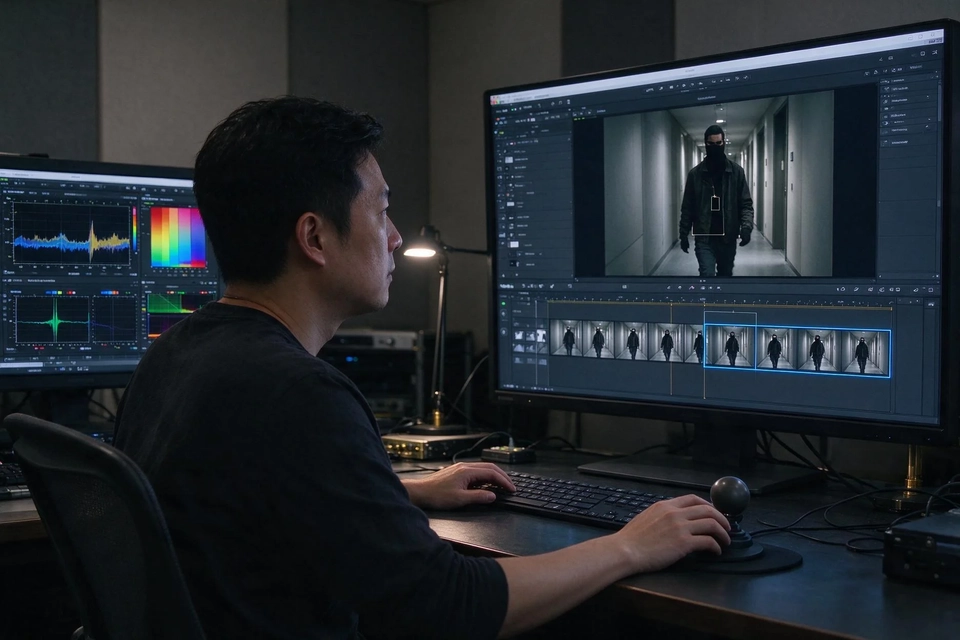
Adobe is also bringing supported third-party AI models into the workflow, naming Kling and Seedance 2.5 among them. Read together with the Firefly default, that changes what a reviewer is actually approving. An agent that calls a model the business has not assessed is delivering footage the business cannot fully account for, and the same agent can produce two different results on the same prompt on different days.
For a marketing team in Singapore, where campaign copy and visuals may be shown to the public under the company's name, that is a governance question before it is a creative one. Three things become worth writing down:
- Which models the agent may call, and which are off limits.
- Who reviews a generated clip before it reaches a client or a public channel.
- What a reviewer checks: subject accuracy, brand look, rights and licensing.
The music question shows how quickly a licensing detail can sit under a production decision. Premiere Mobile gains hundreds of thousands of licensed tracks from Universal Music Group and Warner Music Group, but the licence covers personal, non-commercial video; commercial projects are directed back to Adobe Stock Audio. An editor working at speed will not read that sentence. A workflow owner has to.
The four hand-over points that decide whether it works
Across the sources, the operations that agentic tools do well are repetitive and measurable, and the operations that need a person are the ones where a wrong answer is expensive and hard to see. Set the boundary by these four points rather than by tool name.
| Step | Sensible owner | Why |
|---|---|---|
| Effects applied across a sequence, exposure and colour matched | Agent, spot-checked | The result is visible in one pass of playback |
| Masked subject tracking through frames | Agent, checked at cuts and occlusions | Tracking drifts at fast movement and overlaps |
| Generated media inserted into the timeline | Agent drafts, editor approves | The clip is editable, so approval is cheap |
| Model choice, licensing, client sign-off | Person | The consequences sit outside the timeline |
The pattern here is the same one that shows up in small-business automation more broadly. In the SynapNews guide to AI agents for SMBs, the strongest figures come from tasks with a clear right answer: up to 95 per cent of the time previously spent on specific operational work such as cash reconciliation, menu repricing and initial customer inquiries can be automated. That guide also notes that Yelp's AI assistant reads 30 days of chat history, a memory window that limits how well an agent carries context, and a reminder that a system's recall is a design decision, not a guarantee. The size of any [[ai automation]] promise should be read the same way: as a time figure for work with a checkable answer.
The same guide records that businesses adopting AI voice agents report 40-60 per cent fewer inbound calls for routine inquiries. That number says something useful about editing too: routine work is where agents earn their keep, and the human role shifts upward to exceptions and judgement.

What "editable" is worth in a workflow
The Premiere Local MCP preview is the detail most worth reading twice. It lets third-party agents work with native Premiere project files on the local machine, and sequences, bins and other project elements stay editable. That single word, editable, decides whether a mistake costs minutes or a day, and it is the part of ai automation that survives contact with a deadline. When an agent's output is a flat file, correcting it means redoing the work. When the output is a project structure, a person steps in and changes one clip.
For a business choosing between a bundled agent and a commissioned workflow, this is the question to ask of every candidate: what does the agent hand back, and can my team open it. A tool that returns editable assets fits a reviewing team. A tool that returns only a finished render fits a team with no capacity to review, and that is where the risk sits highest.
How to choose between a bundled editor agent and a commissioned workflow
Both routes exist, and they solve different problems. A feature inside the editor keeps the work where the team already sits and costs nothing to trial. A workflow built around the business's own systems can pull in briefs, asset libraries, approvals and publishing, which an editor plugin will not. Any [[ai automation]] plan should name which of the two it is buying before comparing prices.
| Question | Bundled editor agent | Commissioned workflow |
|---|---|---|
| Where does the work start | Inside the editor, from a timeline | From a brief or business system |
| Who approves | The editor at the desk | Whoever the workflow assigns |
| What is recorded | Project file | Task record, evidence, approval |
| Best fit | Teams with an editor in-house | Teams with no dedicated editor, or several brands |
The trade is straightforward. The bundled agent shortens the distance between idea and cut; the commissioned workflow shortens the distance between request and published asset, and puts the checks where management can see them.
Topkee's view: an agent that pauses for approval
Topkee runs a working agent platform rather than a demo. Its catalogue as of October 2026 listed a set of Skills, Bot Teams and Plugins, and these are template entries rather than finished products. Two facts about the platform matter for the question this article raises.
The first is that execution pauses for human approval, and run records tie each task to its checklist and evidence. That is the same hand-back design the Premiere demo implies, written into the system rather than left to habit. The second is the video path: ASF Video Producer takes a prompt and a set of video specifications into ASF, shows progress in the sidebar, then hands off to VideoHub for editing, subtitles and export; the deliverables are the video task, a finished-file link, a preview page and an editing entry. The split is deliberate: the agent carries the request through generation, and the editor finishes the film, handling subtitles and export in the editing tool. For a business building out [[ai automation]], that is the same boundary this article argues for, drawn in advance.
Even the smaller pieces keep the reviewer in place. VideoHub AFrames reuses motion components across repeat production, and Videohub motion suggestions submits suggestions that change the video only after a user applies them. For a team weighing what to hand to an agent on the back of Adobe's news, the useful comparison is between two designs with the same soft spot (the knowledge base records no integration or partnership between Adobe and Topkee): the person at the approval step has to know what good looks like. Where the difference shows up is in the record after the fact, and in whether the briefing, generation and editing trail can be audited.
Recommended next action
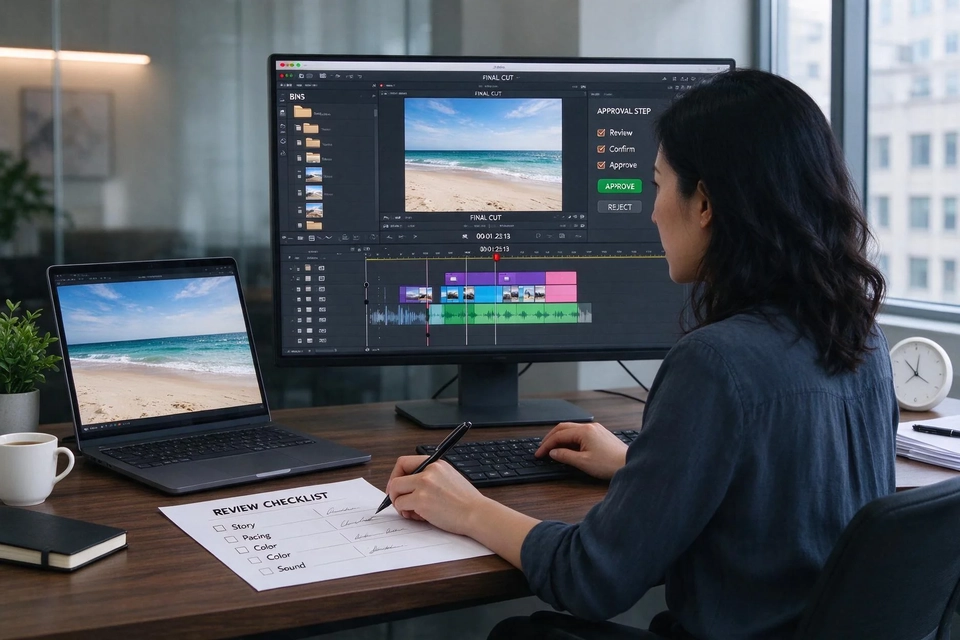
Before trialling any editing agent, write the hand-back sheet: which operations go to the agent, what it returns, who checks it, and what evidence is kept. Teams that want the agent wired into briefing, asset management and publishing rather than a single editor can use the ai automation for business service for the commissioning route. The AI advertising readiness audit is a useful first exercise for teams whose pilots stalled after the demo, and AI visibility versus search rankings covers the measurement side once content volume rises.
FAQ
Will the Creative Agent replace video editors?
No evidence in the reporting supports that reading. The agent takes repetitive operations such as effects across clips, mask tracking and sequence-wide colour and exposure, and the words "editable" and "keeping the creator in control" recur in the description of Premiere Mobile. The roles most affected are the ones that consisted almost entirely of process work.
What can an AI agent actually automate in a video workflow today?
The demonstrated operations are whole-sequence effects, subject tracking and colour matching, plus in-timeline generation of video, sound effects and music. Outside video, published figures put automation at up to 95 per cent of time on specific tasks with a clear right answer, and at 40-60 per cent fewer routine inbound calls for voice agents. The useful question for ai automation is which of your own tasks has that kind of checkable answer.
Do I need a human reviewer if the output is editable?
Yes, and the editable format is what makes review practical. A person can open the project, fix one clip, and approve the rest. The design question is who holds that approval and what they check: subject accuracy, brand look, rights.
How much does an editing agent cost to start?
The report gives no price for the Creative Agent, and the other sources do not quote one for business automation. Any budget figure in a vendor pitch should be treated as unverified until it is tied to a trial scope.
What is the difference between an editor's AI agent and a commissioned agent workflow?
An editor's agent works inside the timeline and hands back an editable project. A commissioned workflow starts from a brief or a business system and can carry the asset through generation, review and publishing, with an audit record of each step. The first fits teams with an editor; the second fits teams running several brands and wanting a visible trail of each step in their ai automation.
Sources
- "Adobe wants an AI agent to do your Premiere Pro editing", Creative Bloq, 2026-11-10. https://www.creativebloq.com/news/adobe-premiere-pro-is-getting-an-ai-agent-to-do-the-boring-editing-jobs
- "AI Agents for Small Business Automation in 2026: A Practical Guide", SynapNews, 2026-10-21. https://www.synapnews.com/articles/ai-agents-small-business-automation
- "Using AI Agents to Automate Business Operations", IdeaUsher, 2025-05-07. https://ideausher.com/blog/ai-agents-to-automate-business/